
Control Flow in JavaScript: If, Else, and Switch Explained
Introduction
Imagine deciding what to watch on Netflix in the evening today. if you're tired from work, you choose a comedy. if you want something more serious, an action drama. This process of making decisions is exactly what control flow does in programming. It lets your code make decisions and choose different paths based on conditions.
What is Control Flow ?
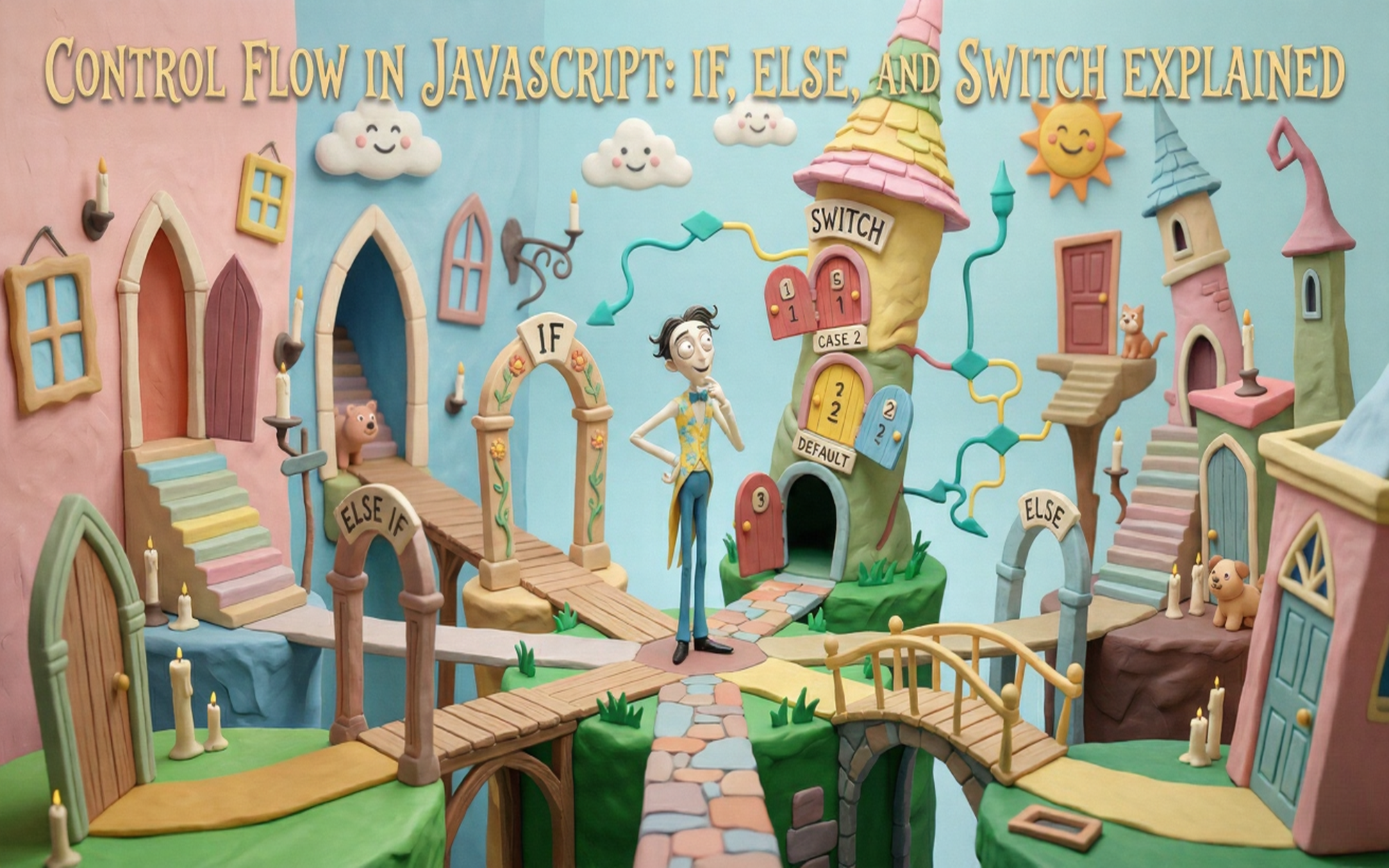
Control flow determines the order in which code executes. It allows programs to make decisions, skip code blocks, and execute different actions based on conditions like a flowchart with decision points.
The If Statement
The if statement executes code only if a condition is true.
Syntax:
if (condition) {
  // Code runs if condition is true
}
Example:
let age = 20;

if (age >= 18) {
  console.log("You are eligible to vote!");
}
How it works: JavaScript checks if
age >= 18is true. If yes, the code runs. If false, it skips the block.
The if-else Statement
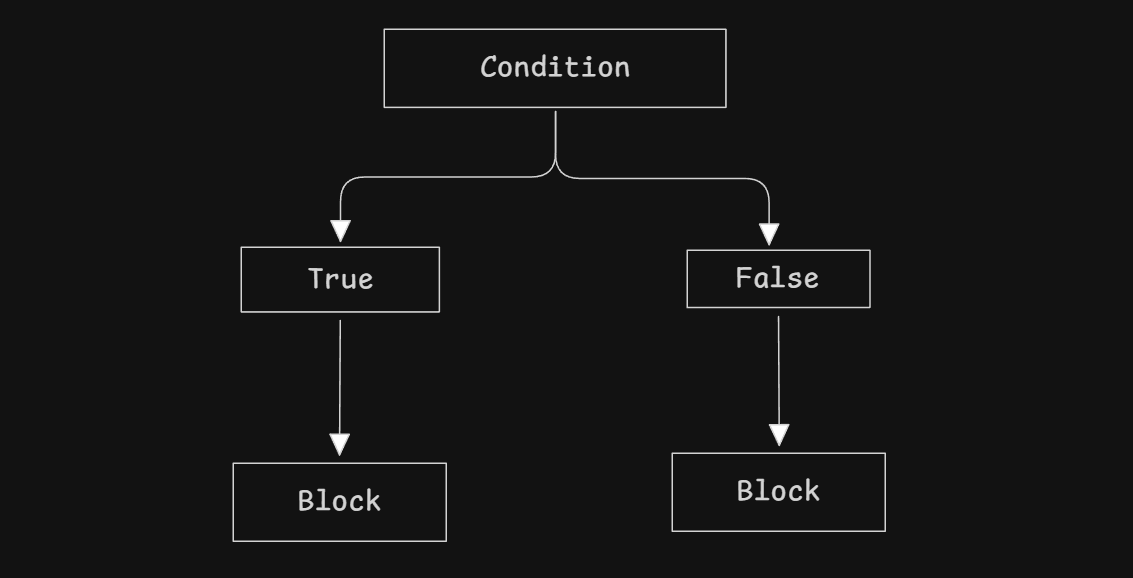
Use else to execute different code when the condition is false.
Example:
let marks = 35;

if (marks >= 40) {
  console.log("You passed!");
} else {
  console.log("You failed. Better luck next time!");
}
The else if Ladder
Chain multiple conditions together to check them in sequence.
Example:
let marks = 75;

if (marks >= 90) {
  console.log("Grade: A+");
} else if (marks >= 80) {
  console.log("Grade: A");
} else if (marks >= 70) {
  console.log("Grade: B");
} else if (marks >= 60) {
  console.log("Grade: C");
} else {
  console.log("Grade: F");
}
Output: Grade: B
Key Points:
Conditions are checked top to bottom
First true condition executes, rest are skipped
elseruns only if all conditions are false
The switch Statement
The switch statement compares one variable against multiple exact values.
Syntax:
switch (expression) {
  case value1:
    // Code
    break;
  case value2:
    // Code
    break;
  default:
    // Code if no match
}
Example:
let dayNumber = 3;

switch (dayNumber) {
  case 1:
    console.log("Monday");
    break;
  case 2:
    console.log("Tuesday");
    break;
  case 3:
    console.log("Wednesday");
    break;
  default:
    console.log("Invalid day");
}
Output: Wednesday
Understanding break
The break keyword stops execution and exits the switch. Without it, JavaScript continues to execute all cases below called fall-through.
Without break:
let fruit = "apple";

switch (fruit) {
  case "apple":
    console.log("It's an apple!");
  case "banana":
    console.log("It's a banana!");
}
Output:It's an apple!It's a banana!
With break:
switch (fruit) {
  case "apple":
    console.log("It's an apple!");
    break;
  case "banana":
    console.log("It's a banana!");
    break;
}
Output: It's an apple!
When to Use switch vs if-else
Use if-else when:
Checking ranges:
if (temperature > 30)Complex conditions:
if (age >= 18 && hasID)Different comparisons per condition
Use switch when:
Comparing one variable against multiple exact values
You have 3+ specific options to check
Code readability improves with switch
Quick Comparison:
| Feature | if-else |
switch |
|---|---|---|
| Best for | Ranges, complex logic | Exact matches |
| Operators | Any (>, <, &&) |
Only equality |
| Readability | Good for 2-4 conditions | Better for 5+ options |
Practice Examples
Example 1: Positive, Negative, or Zero
let number = -5;

if (number > 0) {
  console.log("Positive");
} else if (number < 0) {
  console.log("Negative");
} else {
  console.log("Zero");
}
Why if-else? We're checking ranges (>, <), not exact values.
Example 2: Day of the Week
let dayNumber = 5;

switch (dayNumber) {
  case 1:
    console.log("Monday");
    break;
  case 2:
    console.log("Tuesday");
    break;
  case 3:
    console.log("Wednesday");
    break;
  case 4:
    console.log("Thursday");
    break;
  case 5:
    console.log("Friday");
    break;
  case 6:
    console.log("Saturday");
    break;
  case 7:
    console.log("Sunday");
    break;
  default:
    console.log("Invalid day");
}
Why switch? Comparing one variable against multiple exact values.
Key Takeaways
Control flow lets programs make decisions
ifexecutes code when a condition is trueif-elsechooses between two pathselse ifchecks multiple conditions in orderswitchcompares one variable against many valuesbreakprevents fall-through in switch statementsUse
if-elsefor ranges and complex logic; useswitchfor exact matches


